AI Passport — Demo GIF
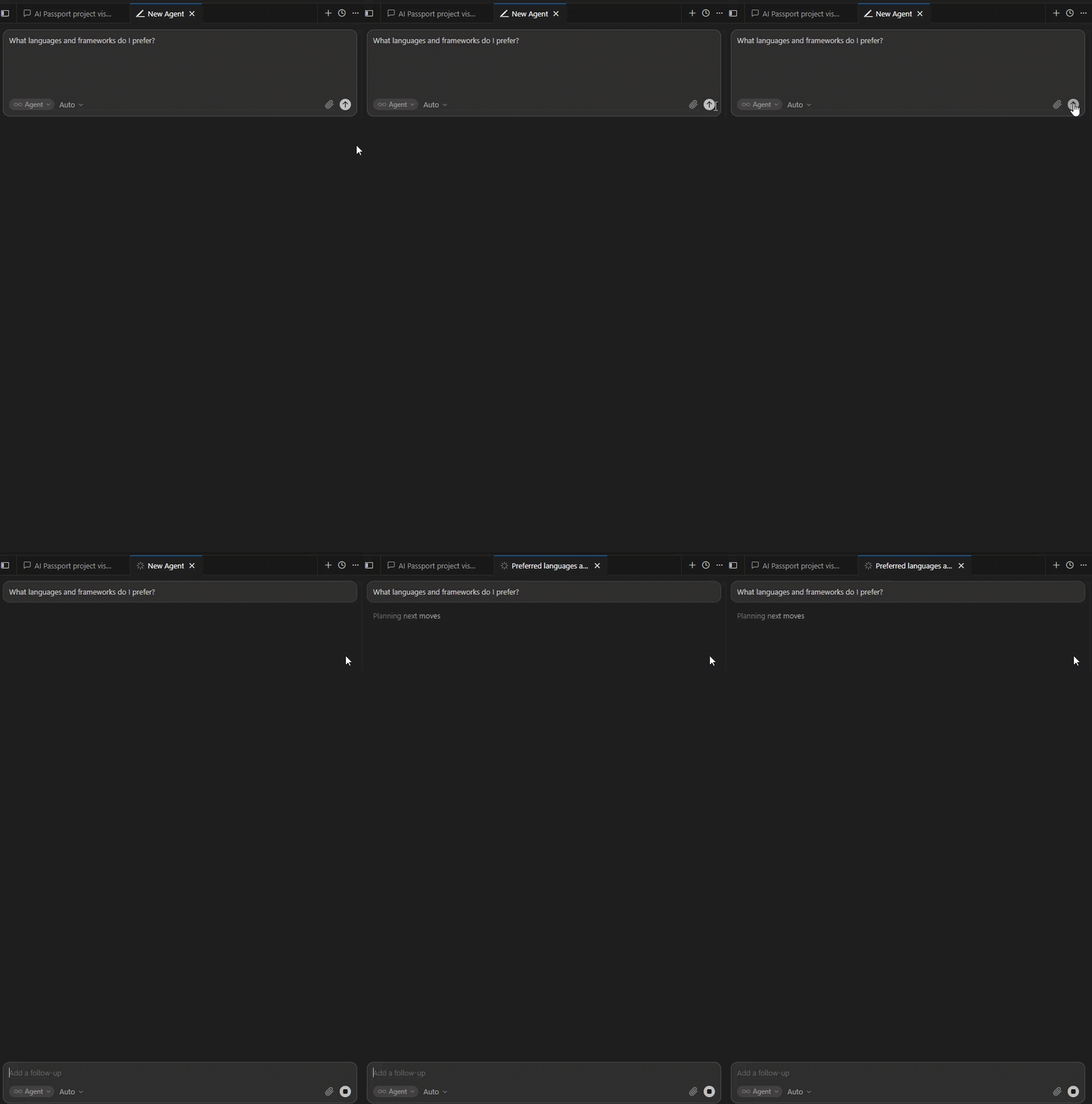
The “wow moment”: Cursor reads your passport and answers from your real stack — without you re-explaining.
Current file: assets/demo.gif (~23s) — question, MCP get_passport_context, and full AI answer.
Before recording
ai-passport onboard cursor --path . --yesalready done- MCP ai-passport green in Cursor Settings
- New empty chat tab (not an old thread)
- OBS or ScreenToGif ready
Recommended recording (23 seconds)
Record one continuous take. Do not include terminal onboarding — passport is already set up.
| Time | On screen | Action |
|---|---|---|
| 0:00–0:03 | Cursor chat (empty) | Optional: flash Settings → MCP → ai-passport ON |
| 0:03–0:08 | Chat input | Type: What languages and frameworks do I prefer? → Enter |
| 0:08–0:21 | Chat response | Wait for full AI answer (TypeScript, frameworks…) |
| 0:21–0:23 | Same | Hold 2s on answer so viewers can read |
Pass: AI mentions your passport / coding profile — not generic advice.
Fail: Only the question visible, no answer → re-record.
Quick version (15 seconds)
If you want a short GIF:
| Time | On screen |
|---|---|
| 0:00–0:05 | Question already typed → press Enter |
| 0:05–0:14 | Full AI answer visible |
Minimum 10 seconds of AI response on screen.
Export settings (ezgif)
- Upload OBS MP4 (not URL)
- Trim start/end in ezgif Cut video
- Convert to GIF:
- Width: 900px
- FPS: 12
- Max colors: 128 (smaller file)
- Target file size: < 2 MB if possible, max 5 MB
- Save as:
docs/assets/demo.gif(overwrite)
Replace in repo
# After saving new GIF:
cd c:\Ai_Passport
git add docs/assets/demo.gif
git commit -m "docs: update demo GIF with AI response"
git push origin main
README and GitHub Pages pick up the new file automatically.
Optional: two-question take (~30s)
What languages and frameworks do I prefer?→ wait for answer (~12s)What project am I working on?→ wait for answer (~12s)
Trim to best 25–30s in ezgif if too long.
Troubleshooting
See CURSOR_SETUP.md.
If AI does not use passport: new chat, confirm MCP tools, ask “Use get_passport_context and tell me my coding profile.”